 / Trung tâm Học tập Virginia a/ Mẹo sử dụng VLC / Quản lý khóa học/Cách tạo danh sách chờ
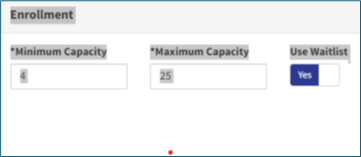
Use the steps below to add a waitlist to a course section. This helps manage extra interest when a class is full.
Tip
Using a waitlist helps ensure open seats are filled and gives more learners a chance to attend.





 Tìm bộ phận địa phương của tôi