 / Virginia Learning Center / Mẹo sử dụng VLC / Quản lý khóa học / Cách xây dựng khóa học trên lớp
Follow the steps below to create a new classroom course in the system.
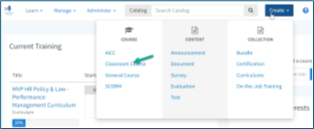
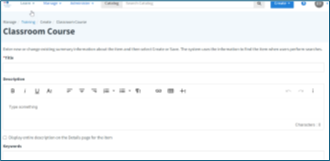
Enter the required information to make the course easy to find:
Tip
Clear titles, descriptions, and keywords help learners find the course quickly and understand its purpose.





 Tìm bộ phận địa phương của tôi